Remove Furniture From Photo For Free With Ai
Instantly Remove Couches, Tables, And All Furniture From Photos For Free
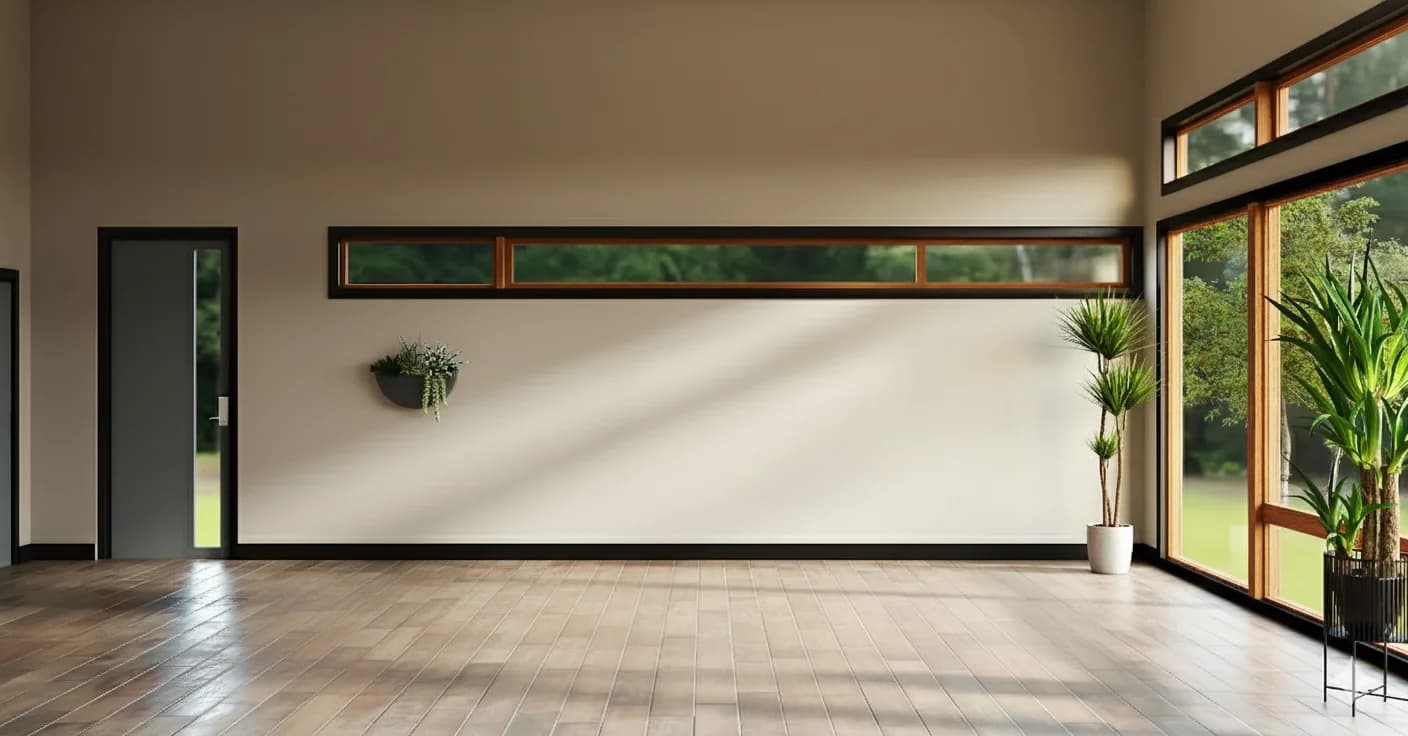
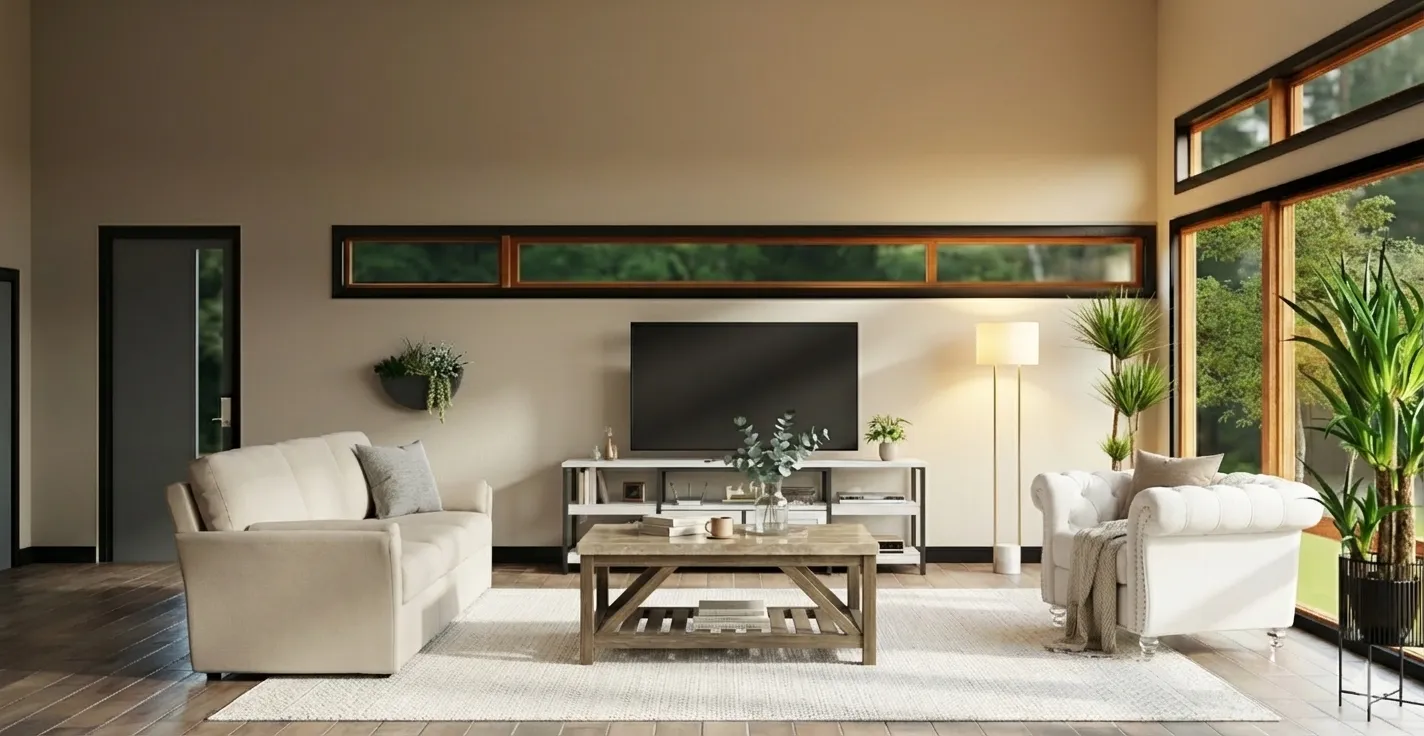
Dikoora's Free Furniture Remover uses AI to remove all furniture from photos in seconds. Whether you need to remove an old couch, erase a table, or clear a messy house for listing, our tool creates a blank canvas for virtual staging.
AI Auto-Detection
Our AI automatically detects and removes all furniture with one click. No manual selection needed.
Fast Results
Advanced AI removes furniture in 10-20 seconds. Get your empty room photo instantly.
Before/After
Interactive slider to compare original and cleaned photos. Download your results.
How It Works
Upload Your Photo
Drop in any room photo with furniture you want to remove.
Click "Remove All Furniture"
One click is all it takes. Our AI automatically detects every piece of furniture.
AI Removes Everything
Advanced AI fills in the background naturally where furniture was. Takes 10-20 seconds.
Download or Stage
Get your clean image or stage it with new furniture using our Design Studio.
Perfect For
Frequently Asked Questions
Is the Furniture Remover free?
Yes! You get 2 free furniture removals per day. Just create a free account to get started. No credit card required.
Do you store my photos?
Your photos are temporarily stored for processing and automatically deleted after 24 hours. We never share or use your photos for any other purpose.
What types of furniture can I remove?
Our AI can remove any type of furniture including sofas, chairs, tables, beds, cabinets, and more. It automatically detects all furniture in the room.
How does the one-click removal work?
Simply upload your room photo and click "Remove All Furniture". Our AI automatically detects every piece of furniture and removes it, filling in the background naturally.
Can I stage the room after removing furniture?
Yes! After removing furniture, click "Stage This Room" to open our AI Design Studio. It will add new furniture and let you shop every piece.